


FiXperience is the free design software from fischer for fastening and system technology. Planners, structural engineers, and structural designers use FiXperience to quickly, norm-compliantly, and transparently verify fastenings — from simple single fastenings to complex overall constructions. The software delivers results based on international standards, which can be used directly as proof and for documentation. The modular structure of FiXperience covers different application areas: a suitable module is available for every application.
Use FiXperience online for free now
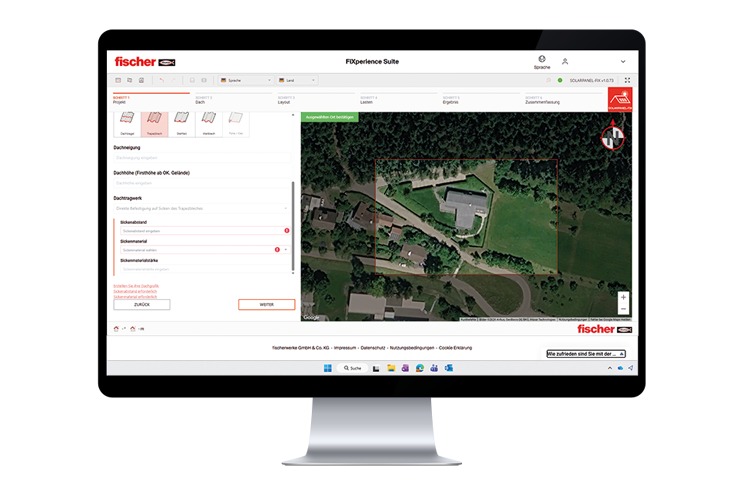
FiXperience Online — the switch to browser-based design. fischer is consistently converting all FiXperience modules from desktop installation to the online platform. The core module C-FiX for anchor design, as well as the modules Channel-FiX, Reinforce-FiX, and SolarPanel-FiX, have already been fully migrated.
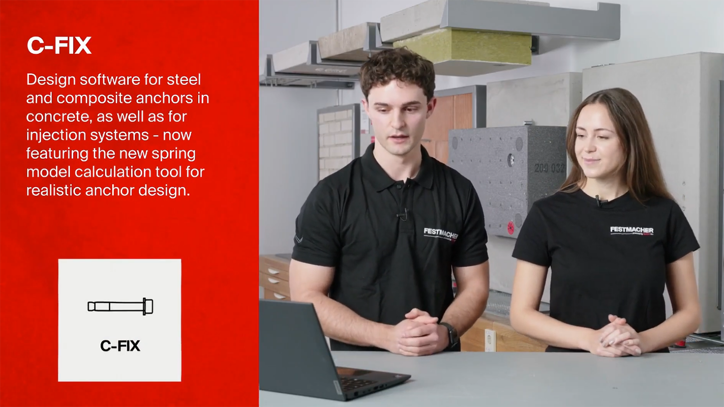
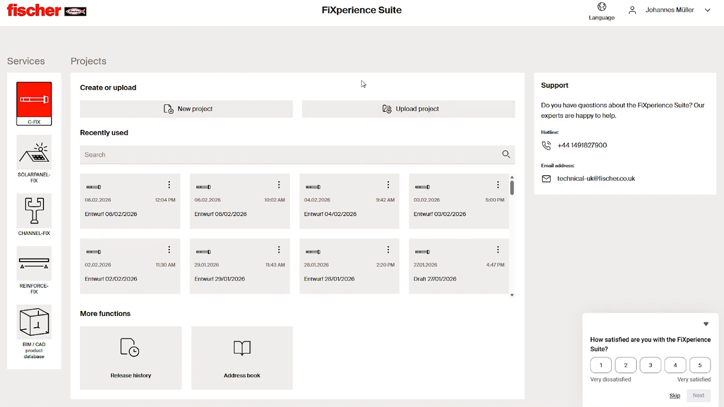
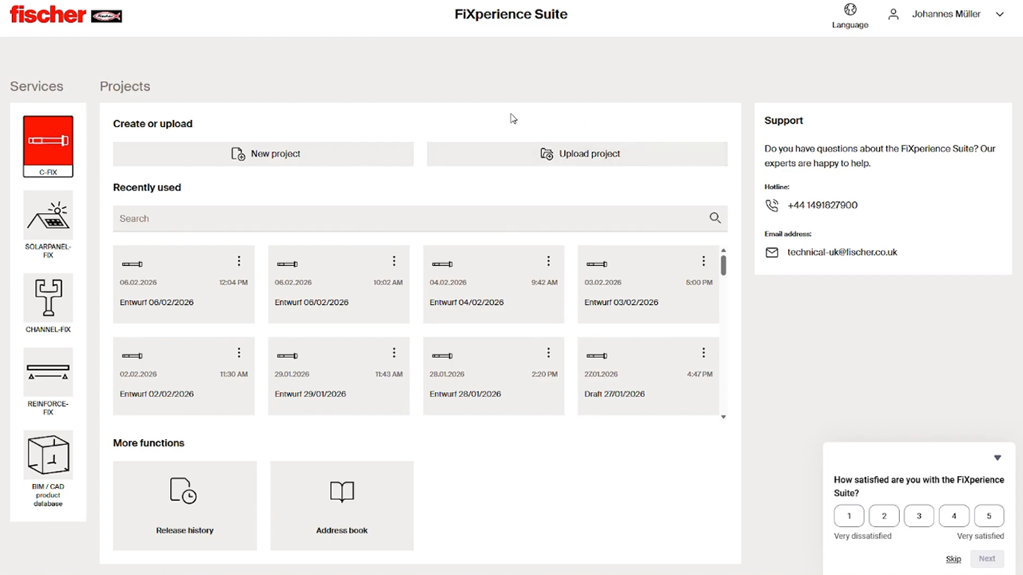

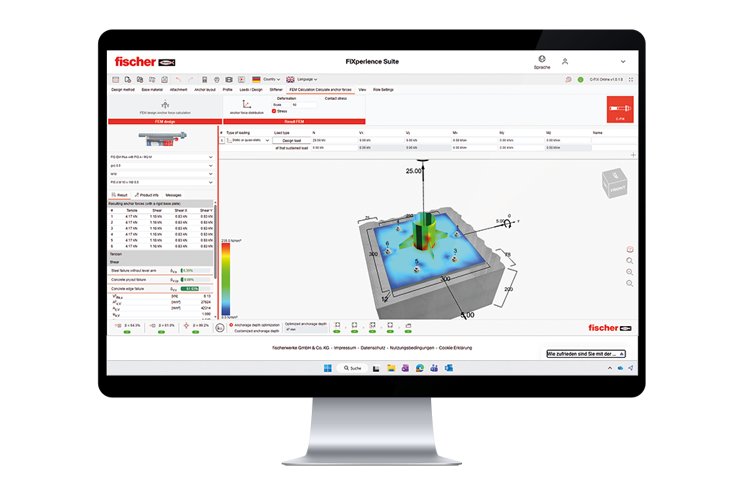
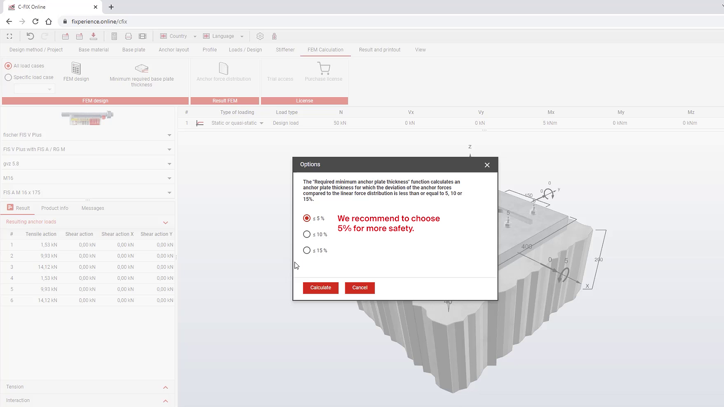
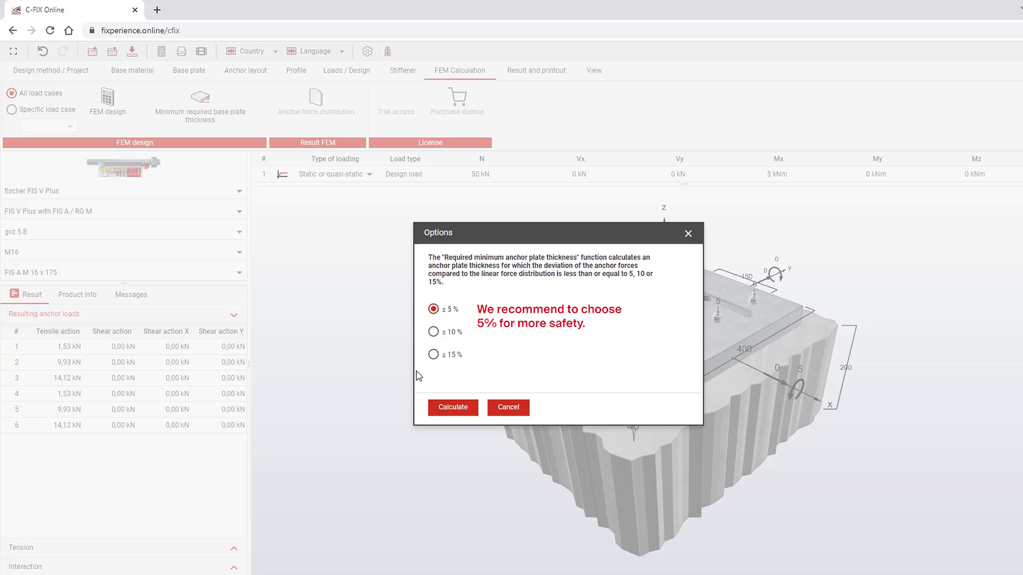
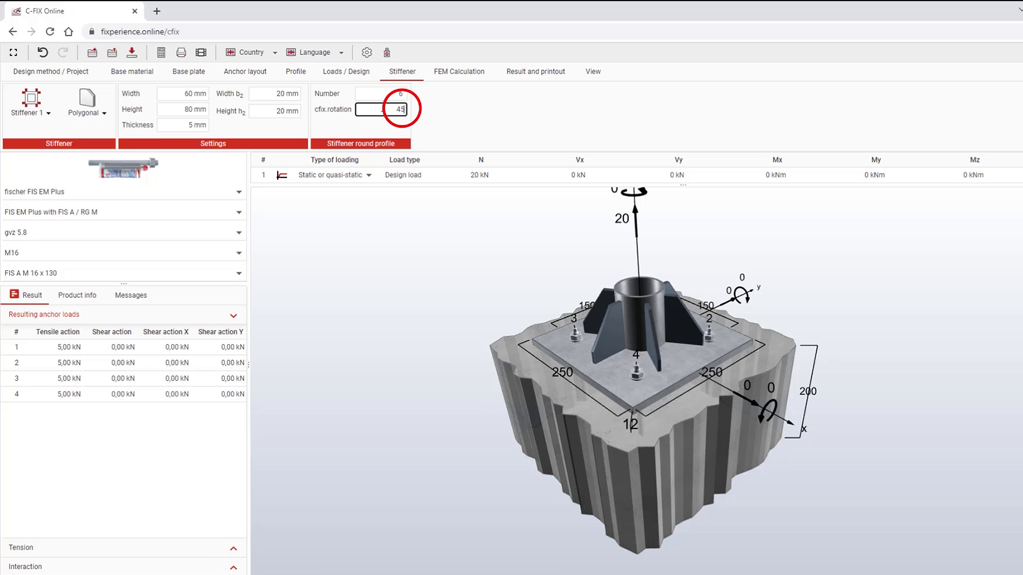
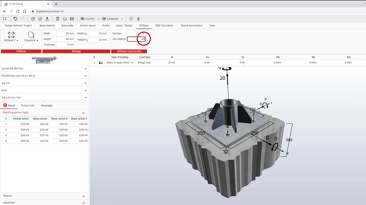
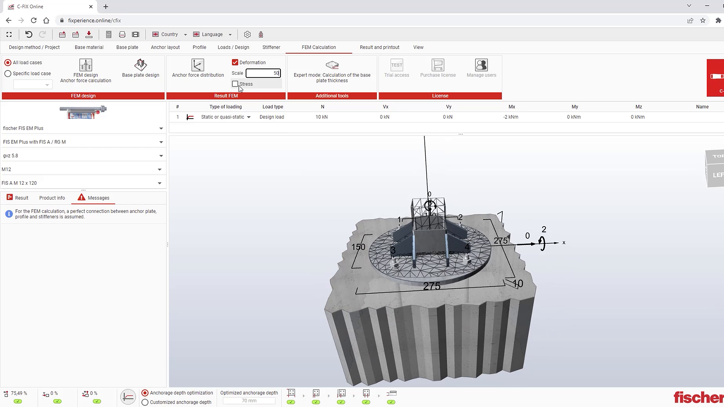
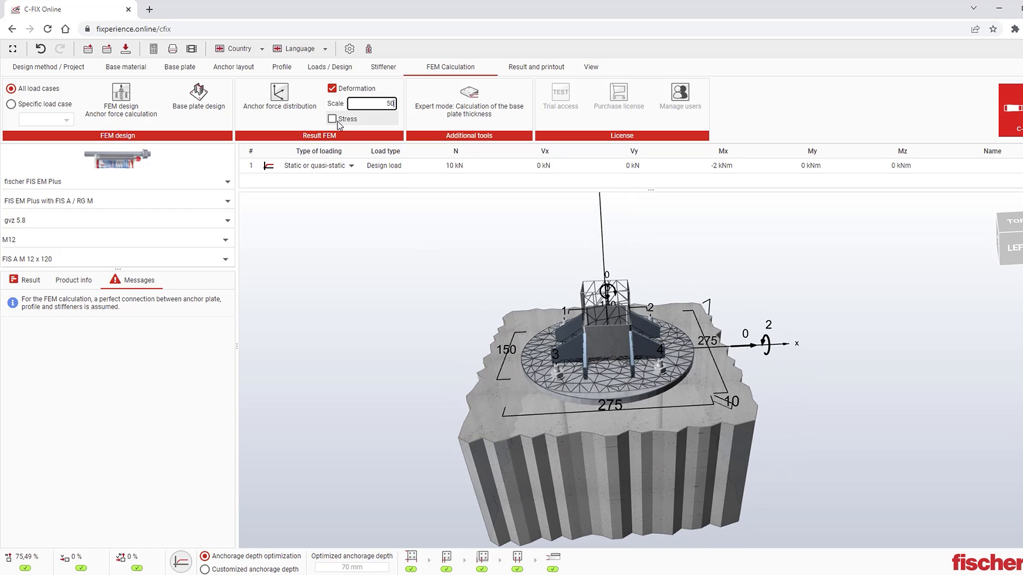
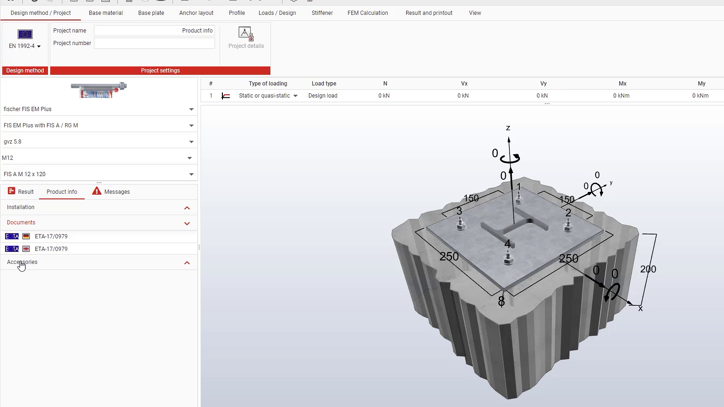
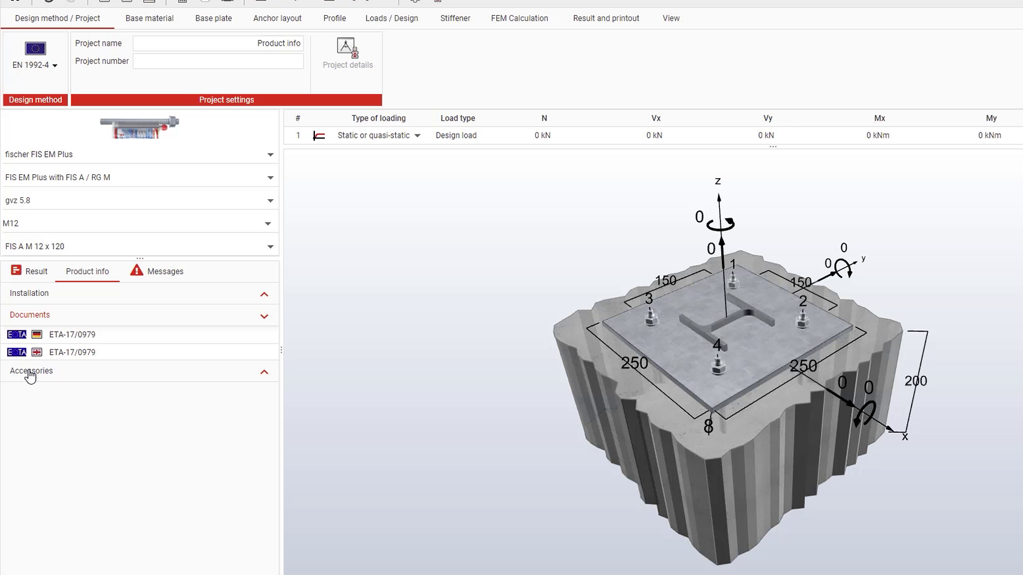
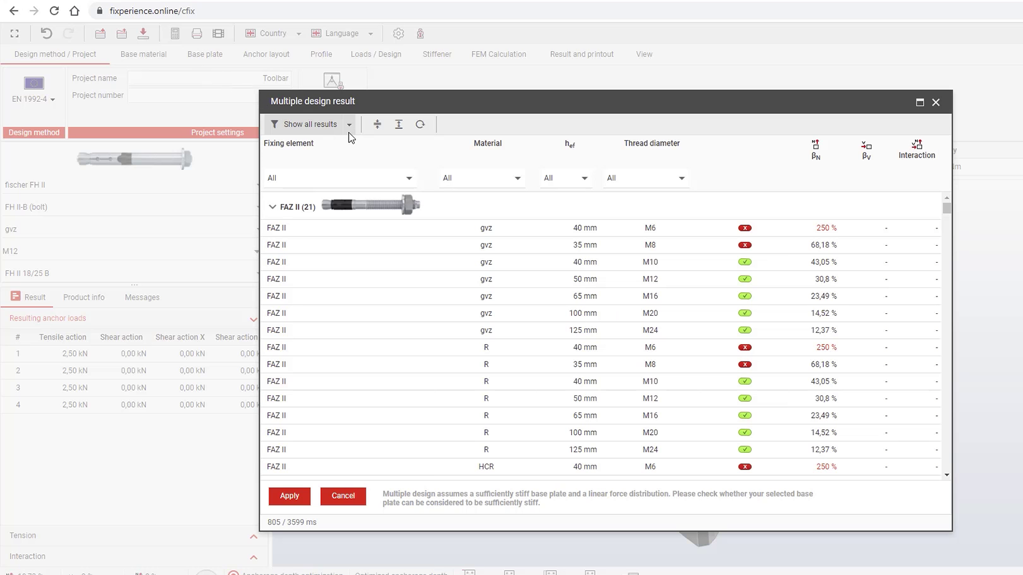
Design program for steel and composite anchors in concrete — including verification of the anchor plate and determination of anchor forces based on the approach of linear spring models using finite elements for a realistic consideration of the anchorage. Also included is the verification for composite anchors in masonry.
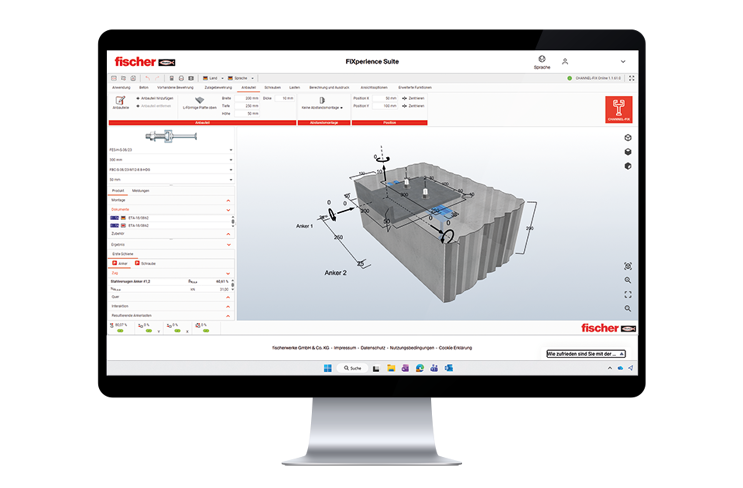
Design program for anchors in reinforced concrete with anchor channels — for all common applications and load combinations.
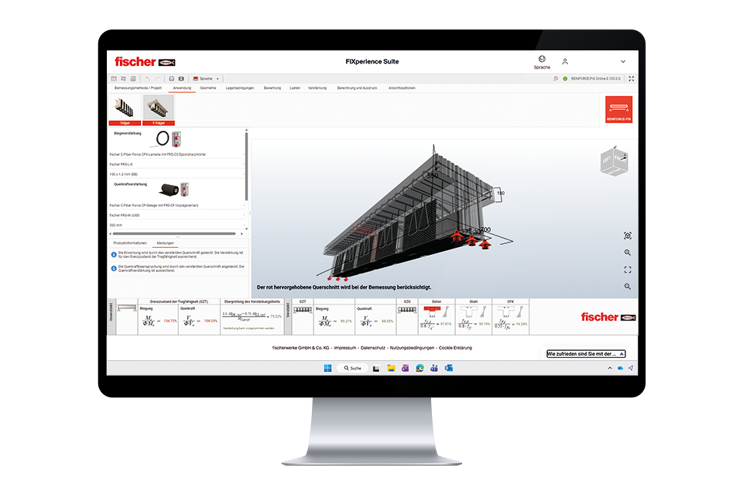
Design program for flexural and shear reinforcement of reinforced concrete components with CFRP laminates and CF fabrics.
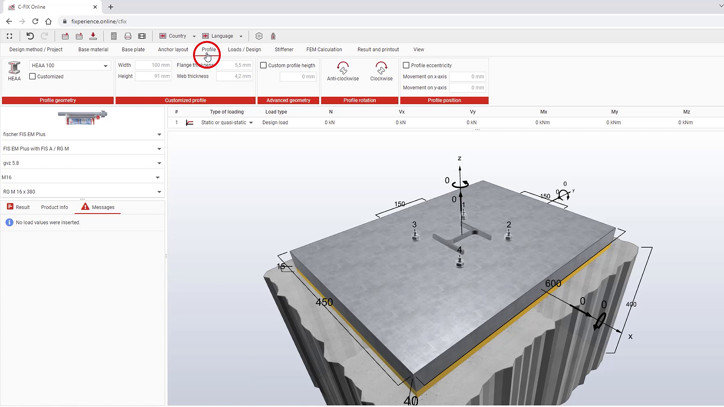
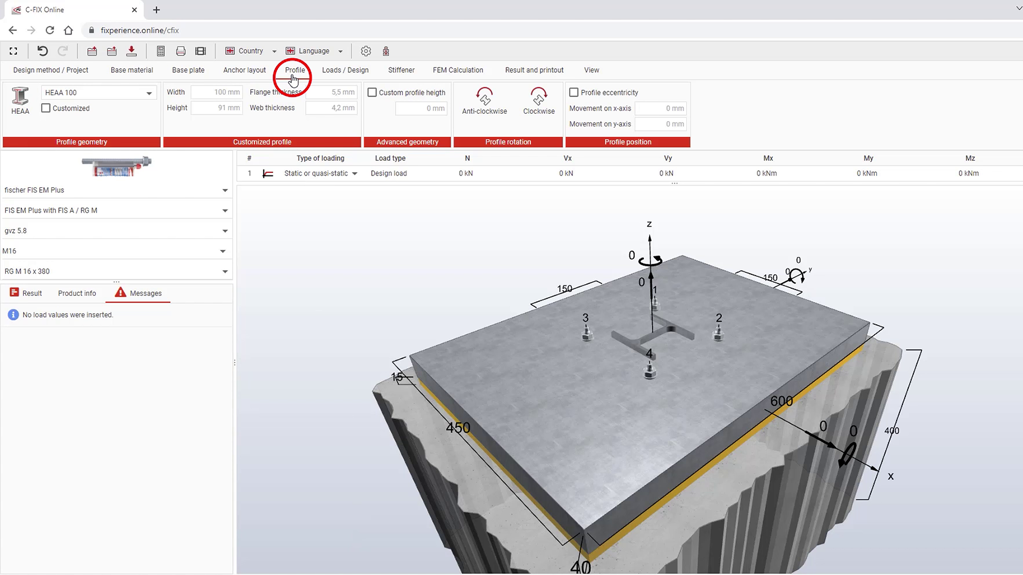
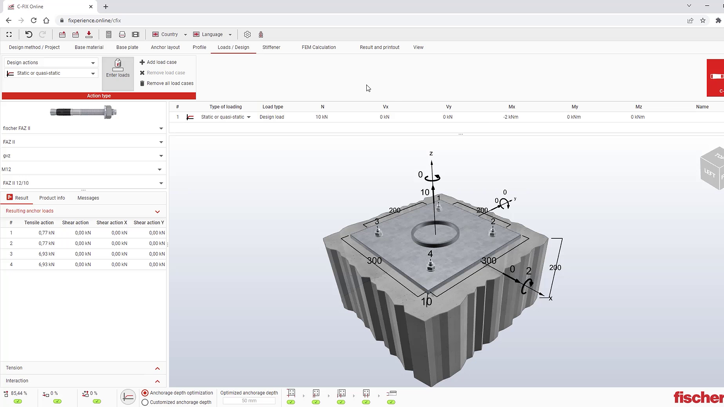
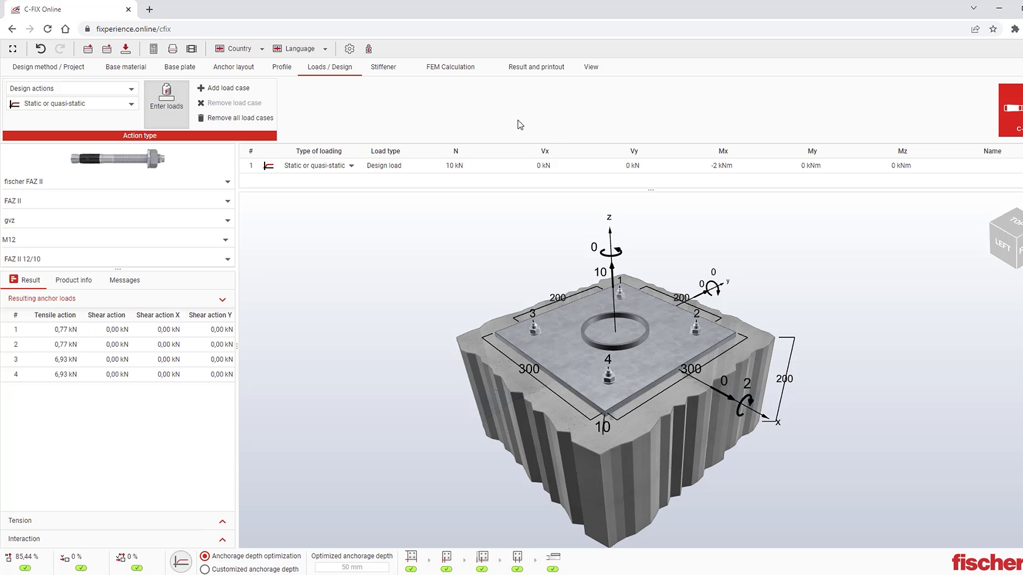
The tutorial videos show concrete calculation examples in the FiXperience Online Suite — from the initial input to the completed design verification.
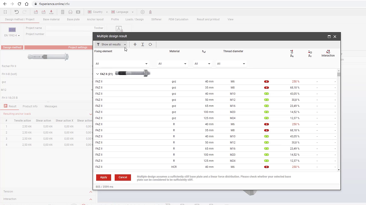
Here you will find an overview of frequently asked questions regarding the switch from FiXperience Offline to FiXperience Online.
The FiXperience desktop modules are the proven foundation for standard-compliant calculations in fastening technology — used for years by planners and structural engineers worldwide.
fischer continues to provide all desktop modules free of charge: REBAR-FIX, INSTALL-FIX, FACADE-FIX, RAIL-FIX, and WOOD-FIX.
In the future, all modules will be gradually integrated into the FiXperience Online Suite — until then, they are fully available for download via an offline launcher.
Memory: Min. 8 GB
Operating Systems: Windows® 10, Windows® 11
Note: The current system requirements may vary depending on your system configuration and operating system.
